
Microsoft 365 vs Google Workspace: The Small Business Pro’s & Con’s
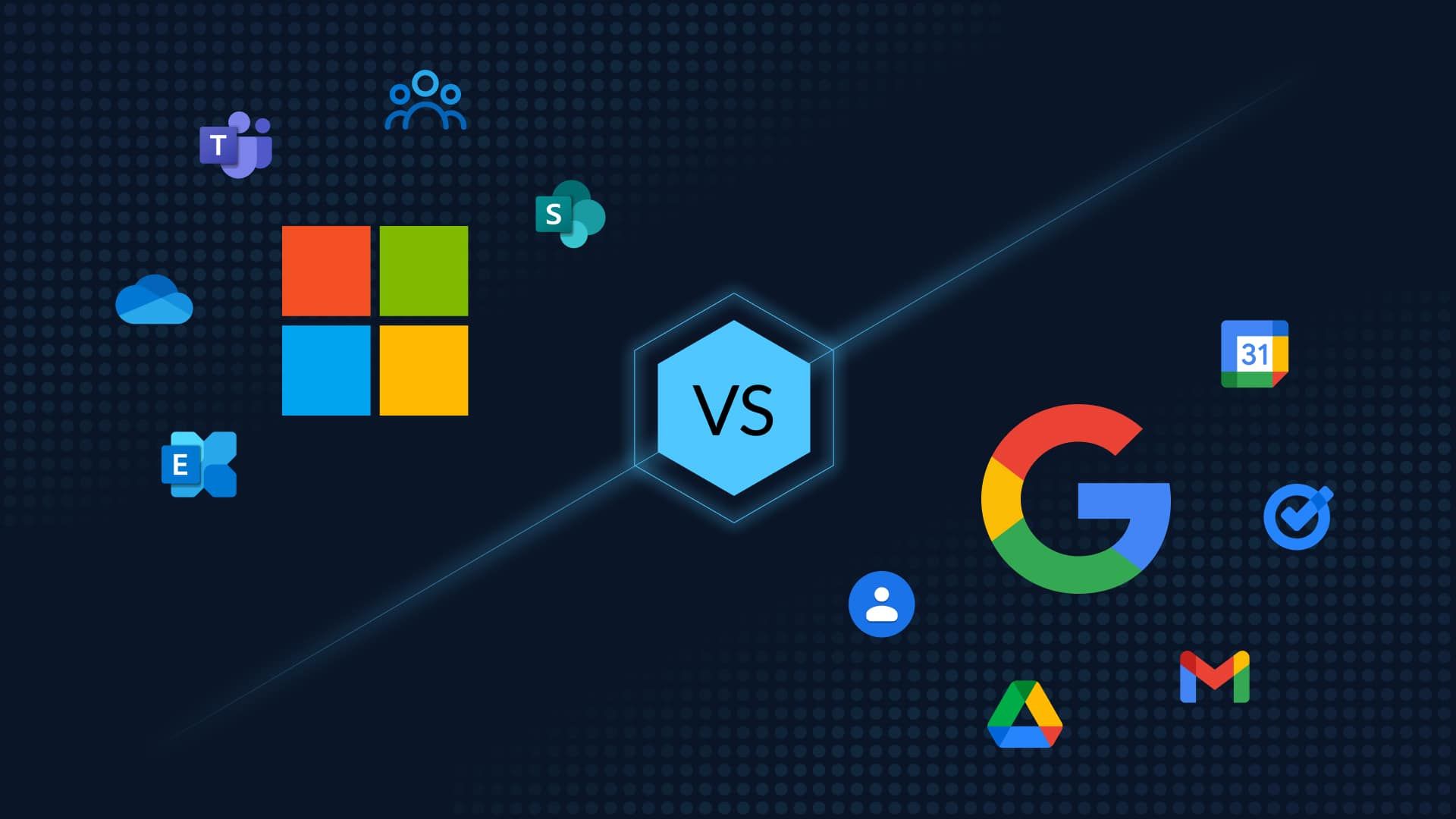
Choosing the right productivity platform is one of the most important technology decisions a small business can make. At Microsoft and Google dominate the space with Microsoft 365 and Google Workspace—two powerful ecosystems designed to handle email, collaboration, file storage, and day-to-day operations.
At first glance, they offer similar tools—documents, spreadsheets, email, calendars, video conferencing, and cloud storage . But the way they deliver those tools—and how they fit into your business—can vary significantly.
Below, we break down the pros and cons of each from a small business perspective.
Microsoft 365: Pros & Cons
Pros:
1. Industry-Standard Applications
Microsoft 365 includes familiar tools like Word, Excel, PowerPoint, and Outlook—software many employees already know. This reduces training time and increases productivity from day one.
2. Powerful Desktop + Cloud Hybrid
Unlike Google Workspace, Microsoft offers full desktop applications alongside web versions, giving businesses more functionality and offline capabilities.
3. Advanced Security & Compliance
Microsoft provides enterprise-level security controls, including granular permissions and device management—ideal for industries handling sensitive data.
4. Strong Integration with Business Systems
If your company uses Windows environments, servers, or tools like Azure, Microsoft 365 integrates seamlessly into your existing infrastructure.
Cons
1. Higher Cost
Microsoft 365 often comes at a higher price point, especially when adding advanced features or security tools.
2. More Complex Setup & Management
With more power comes more complexity. Administration, permissions, and system management can require IT expertise.
3. Steeper Learning Curve for New Users
While many are familiar with Office, new users may find the depth of features overwhelming compared to simpler alternatives.
Google Workspace: Pros & Cons
Pros
1. Simplicity & Ease of Use
Google Workspace is known for its clean, intuitive interface. It’s easy to deploy and requires minimal IT oversight.
2. Best-in-Class Real-Time Collaboration
Tools like Docs, Sheets, and Slides allow multiple users to edit simultaneously with seamless updates—making it ideal for remote teams.
3. Cloud-First Accessibility
Because it’s browser-based, employees can work from anywhere without needing software installations.
4. Cost-Effective for Small Teams
Google Workspace typically has a lower entry price and straightforward pricing tiers, making it attractive for startups and small businesses.
Cons
1. Limited Advanced Features
Compared to Microsoft Excel or Word, Google’s tools are more lightweight and may lack advanced functionality for power users.
2. Less Robust Security Controls
While secure, Google Workspace doesn’t always match Microsoft’s depth in compliance and administrative control.
3. Limited Offline Capability
Google Workspace is primarily cloud-based, and while offline modes exist, they are not as robust as Microsoft’s desktop applications.
4. Compatibility Challenges
Businesses working heavily with Microsoft file formats may encounter formatting or compatibility issues.
DKB Consulting Take: Which Should You Choose?
At DKB Consulting, we don’t believe there’s a one-size-fits-all answer—only the right fit for your business model.
Choose Microsoft 365 if:
You need advanced security and compliance
Your team relies heavily on Excel, Word, or desktop apps
You have (or plan to have) complex IT infrastructure
Choose Google Workspace if:
You want simplicity and speed of deployment
Your team is remote or highly collaborative
You prefer a lower-cost, cloud-first solution
Final Thoughts
Both platforms are reliable, scalable, and capable of running your business efficiently. The real decision comes down to:
👉 Power vs. Simplicity
👉 Control vs. Collaboration
👉 Infrastructure vs. Agility
If you’re unsure which direction to go, our team at DKB Consulting can help evaluate your current setup, future growth plans, and security needs—then guide you toward the best solution.
Need help choosing or migrating platforms?
Let our experts design, implement, and manage the right productivity environment for your business.